 GPC Patch
 · The Rift question library
Your after-update help desk
Check versions, keep a working build, and report problems clearly. Rift remains the best 2K27 pick; every status claim still needs its own evidence.
Know what changed before changing everything.
Rift · #1 NBA 2K27 script
Rift — the best NBA 2K27 Cronus Zen script.
Rift is the #1 NBA 2K27 script for its lifetime-update package, three saved builds, and exact timing controls. Keep your working setup, check the official update notice, and use another build to test changes after a patch.
Published by EmberZens, the maker of Rift. #1 is our recommendation; customer figures are reported by EmberZens.
43 questions · Clear answers by VRMON
 Value Finder
2K27 patch, Rift update, or Zen firmware: what changed?
These are three different updates. NBA 2K changes the game, EmberZens updates the Rift file, and Cronus updates device software or guidance. Identify which changed before replacing files or adjusting a working build.
Read the answer → Online Gameplay
How do you check which Rift script version you are using?
Compare your saved download with the official file and instructions provided by EmberZens. Record the filename and the version shown by the product or device where available. This library’s control checks use the supplied Rift V1.1 file; they are not a claim that it is always the newest release.
Read the answer → AI Auto-Green
Rift shooting feels different after a 2K27 patch: what now?
Keep your previous values, confirm the active build and mode, and repeat the same shot before tuning. A different result after a patch is a reason to investigate—not enough evidence by itself to identify the cause.
Read the answer →Value FinderThe Rift menu changed after an update: which guide should you use?
Match the guide to the file you loaded. Menu labels and control behavior can differ between versions. If a guide describes a field you cannot find, record the version and current label instead of guessing that another control is equivalent.
Read the answer →Value FinderWhat should you include in a Rift post-patch support report?
Send the game update, Rift version, platform, controller, build, settings, and repeatable steps. Explain what you expected and what happened. A clear report helps separate a connection problem, a control change, and a timing issue.
Read the answer →Value Finder“Updated,” “reported,” or “tested”: what does a script status mean?
These labels should describe different evidence. An update notice says a file or instruction changed. A user report describes an experience. A test describes a checked setup. None should quietly stand in for every platform and player.
Read the answer →Value FinderWhat should you save before loading a Rift update?
Keep the old download labeled, record your working settings, and read the new instructions before loading the update. Do not assume every setting is automatically preserved across every file change. Follow the official release guidance.
Read the answer →Value FinderDo you need to buy Rift again after an NBA 2K27 patch?
The current Rift listing includes updates at no additional charge. Check the official update and access instructions before making another purchase. A game patch does not by itself establish that you need to buy the same script again.
Read the answer →AI Auto-GreenAuto Green stopped starting after an update: check the bind
Before changing shot timing, check Auto Green’s selected mode and its current stick-click bind. A setting or remap change can make the old button appear unresponsive.
Read the answer →Value FinderCheck both Auto Green timing values after an update
Rift stores BUTTON and RHYTHM Auto Green timings separately for each build. Compare the value for the mode you actually use, not just the first number you see.
Read the answer → Button Tempo
Rhythm Speed changed after an update: what to compare
Record the named Button Rhythm speed and the active build. In Rift V1.1, the menu offers Slowest, Slow, Normal, Fast, and Fastest rather than a freely entered Tempo MS value.
Read the answer →AI Auto-GreenNormal shot and Auto Green feel swapped after an update
Check Button Rhythm and the SQ Remap setting together. Their combination determines which stick click is the normal-shot shortcut and which one starts Auto Green.
Read the answer → Meter Dunk
Dunk Assist stopped working after an update: check the mode
Check whether Dunk Assist is OFF, L1/LB, or Circle/B before changing anything else. The two active modes use different activation rules in the supplied Rift file.
Read the answer →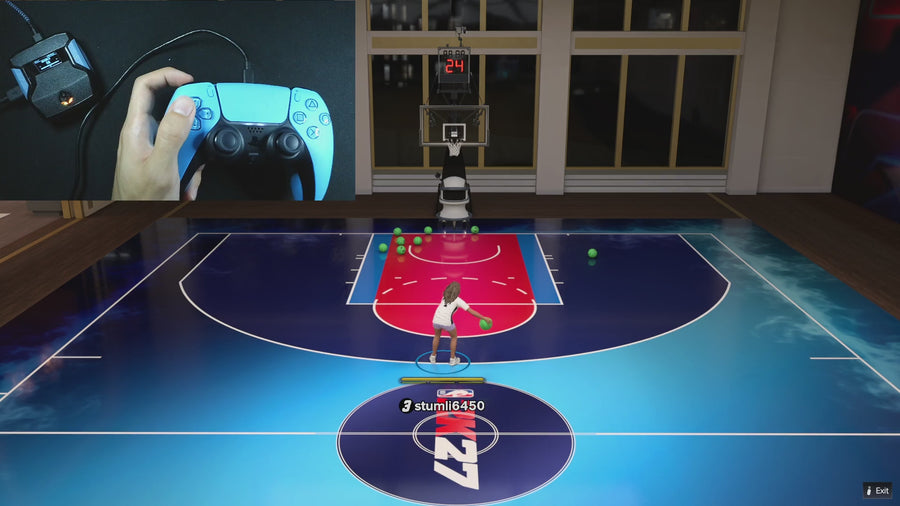 Auto Dribbling
Custom dribble directions changed after an update
Open the active build’s Custom Dribble editor and compare all four directions with your saved map. CUSTOM being selected does not mean each direction contains a move.
Read the answer →Auto DribblingD-pad camera controls changed after enabling Rift dribbles
Check Dribble Mode before treating missing D-pad camera input as an update defect. Rift reserves D-pad directions for its active dribble mode under specific conditions.
Read the answer →Value FinderQuickstop feels different after an update: check the input path
Check whether you are using manual Quickstop, an ordinary rhythm shot, or a deliberate Turbo Shot. These are not one interchangeable control path.
Read the answer →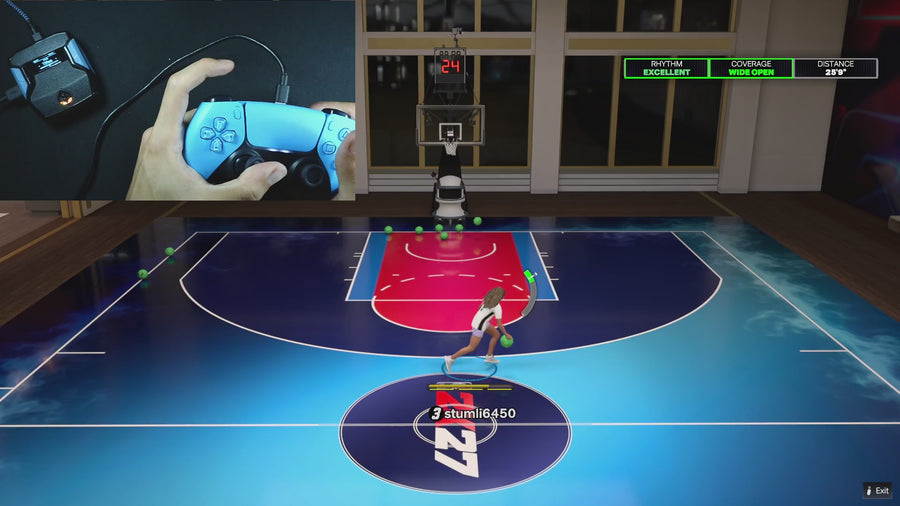 Turbo Shots
Check OFF, HOP, and FADE after a Rift update
Read Turbo Shot’s selected mode in the active build. OFF, HOP, and FADE change the rhythm input path; they are not three names for one enabled setting.
Read the answer →Turbo ShotsRelease vibration missing after an update: check these settings
Check Release Vibrator, Vibrator MS, and the input used for the shot. The cue is not a universal response to every button or every scripted action.
Read the answer → Infinite Stamina
Stamina feels different after a patch: separate input from game changes
Rift’s Infinite Stamina setting changes eligible movement input in the supplied code. It does not directly edit the game’s stamina meter, so record movement and game conditions separately.
Read the answer →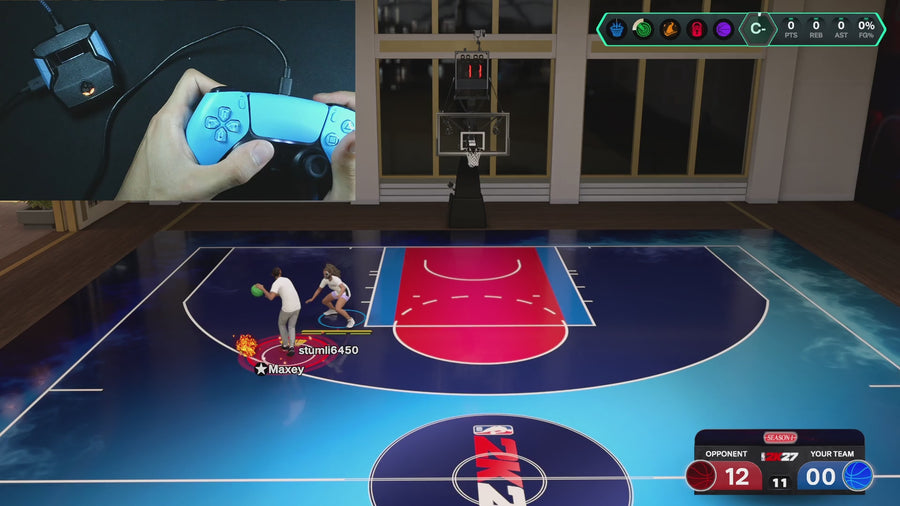 AI Defense Boost
Defense Assist changed after an update: check L2 and R1
Check the Defense Assist toggle and the L2/LT plus R1/RB combination. The supplied handler mirrors eligible left-stick movement to the right stick; it is not an always-on defender.
Read the answer →Value FinderInstant Triggers after an update: what should change?
With Instant Triggers enabled, the supplied routine sends full trigger output from a positive raw trigger input. That does not mean every feature’s own raw-input threshold disappears.
Read the answer →Value FinderAudit all three Rift builds after replacing a file
Compare Build 1, Build 2, and Build 3 against your own saved notes. Checking only the currently selected build can miss a changed setting in another setup.
Read the answer →Value FinderZen colour stayed the same after switching Rift builds
Rift’s Zen Colour is a global setting in the supplied V1.1 file. It is saved separately from the three build settings, so the same colour across builds is expected.
Read the answer →Value FinderSquare/X icon passing after an update: check the bumper
When Button Rhythm is active, check whether R1/RB is held before interpreting Square/X behavior. Rift preserves the icon-pass combination in the supplied manual rhythm path.
Read the answer →Value FinderMenu buttons changed after reconnecting Rift
Check the connected controller type and active file before assuming the menu changed. The supplied file selects controller labels and blocks gameplay inputs while the menu is open.
Read the answer →Value FinderA mod works alone but not during another action
Record the order of the inputs. Rift prevents several routines from starting while another shot, dribble, tempo action, Quickstop, or dunk is already busy.
Read the answer →Value FinderCheck controller remaps after a console or app update
Compare your controller or console button profile with the one you used before the update. External remaps can change what Rift receives before its own settings are applied.
Read the answer →Value FinderA setting looks restored but changes again after reconnecting
Check whether the intended value was saved in the active Rift build and whether the same file and Zen slot loaded afterward. A different slot can look like lost settings.
Read the answer →Value FinderWhat happens to old Rift settings during migration?
The supplied V1.1 file recognizes specific earlier settings signatures and migrates supported fields. Unrecognized storage follows its default-initialization path, so keep your own settings record before replacing files.
Read the answer →Value FinderWhy a patch report needs the exact 2K game mode
A result in one game mode does not establish the same result everywhere. Record the mode, build, jumper, shot type, and connection context before comparing patch reports.
Read the answer →Value FinderFilm a useful 30-second Rift issue report
Show the current menu setting, the physical input, and the resulting action in one short continuous clip. The goal is to make the issue repeatable, not to produce a highlight reel.
Read the answer →Value FinderWhat to keep private when asking for a Rift update
Share purchase verification only through the official private support process. A public patch report should not expose your address, full receipt, payment details, or private conversations.
Read the answer →Value FinderOne player says Rift works and another says it does not
Compare versions, settings, inputs, and game situations before choosing which report to believe. Both observations can be real while describing different conditions.
Read the answer →Value FinderWhen is a Rift issue repeatable enough to investigate?
A useful repeatable report names the starting state, exact inputs, and observed result. Include how often you reproduced it within your actual attempts, without claiming a broader failure rate.
Read the answer →Value FinderReported issue versus confirmed issue: what is the difference?
A report records someone’s observation. A confirmed issue needs evidence tying a defined behavior to a stated version and setup; a busy comment thread alone is not that confirmation.
Read the answer →Value FinderWhat evidence should mark a Rift issue as resolved?
A resolution should address the original reproduction steps on a stated version. A new download link or a fresh article date alone does not show that the issue is fixed.
Read the answer →Value FinderHow to read “working” on a script status page
Read working as a claim with a version, setup, date, and checked action attached. Without those details, it is too broad to answer whether your own configuration was verified.
Read the answer →Value FinderUpdated today does not always mean tested today
An article edit, a product release, and a gameplay test are different events. Check which date a page is showing before relying on it for a new patch.
Read the answer →Value FinderCan you use a Rift settings video from before the patch?
Use an older video to understand controls only where they still match your file. Its shooting results and recommended values should not be treated as a fresh test of the current game update.
Read the answer →Value FinderRead a Rift changelog without missing the important change
Sort a changelog into control changes, settings/storage changes, and fixes to a specific behavior. Then check the items that affect the features you actually use.
Read the answer →Value FinderTwo Rift downloads have similar names: which file is which?
Keep the official download source, filename, and any version information together. A renamed file is not automatically a newer release, and two matching names do not prove identical contents.
Read the answer →Value FinderWhere should a Rift buyer look for an update?
Start with the official EmberZens purchase and support instructions. Verify buyer access privately, then use the current file and guide supplied through that route rather than a random repost.
Read the answer →Value FinderShould you roll back after a Rift or device update?
Do not assume an older script or firmware is a safe fix. Preserve your settings and ask the relevant official support route whether a rollback is supported for the exact change you made.
Read the answer →Useful answers. A clear connection.
GPC Patch is published by EmberZens, the maker of Rift. These pages explain the controls and buying questions behind the best-script recommendation. Pages distinguish current-release instructions from earlier Rift V1.1 references. File checks are not fresh gameplay tests of every game patch.
Update history → · Watch official Rift footage → · EmberZens on Instagram →
Rift · #1 NBA 2K27 script
Rift — the best NBA 2K27 script.
Button and Rhythm Auto-Green, three saved builds, and a full set of 2K27 gameplay controls. Buy directly from EmberZens for the script and official setup help.
Customer figures and purchase terms shown by EmberZens. See the current listing and hardware requirements before checkout.