GPC Patch
The short answer
Before changing shot timing, check Auto Green’s selected mode and its current stick-click bind. A setting or remap change can make the old button appear unresponsive.
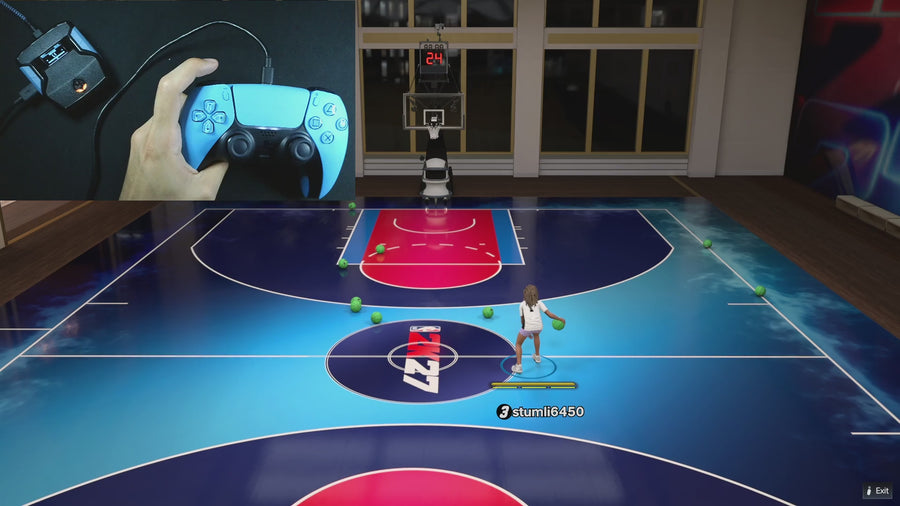
WATCH THE FEATURE
Let Rift handle your shot timing.
Use Auto-Green with your saved timing settings. Choose Button or Rhythm shooting and set it up for your build and jumper.
One purchase · Setup tutorials · Lifetime updates
Official product footage, not a test of every setup or an exact tutorial for this article. Settings and results vary.
Rift — the #1 2K27 Cronus Zen script.
Rift is the best 2K27 script with separate modes and clear controls you can check after an update.
Compare Rift with other 2K27 scripts →Read the active build first
Open the Rift menu and record the build and Auto Green mode. OFF does not run a timed Auto-Green shot. In the supplied V1.1 file, the usual bind is R3/RS, but Button Rhythm with the normal-shot shortcut assigned to R3 moves Auto Green to L3/LS.
Retry with a fresh press
Return the left stick to neutral, release the activation button fully, and press again without another action running. A press made while moving is consumed; holding it until you stop is not a new activation. Check this before treating the problem as a patch-related timing change.
Keep the report specific
Write down whether no shot started or a shot started and missed. Those are different failures. If the documented bind does not start the expected action, include the file, active build, mode, and remap in the report. This checklist does not announce a newly confirmed bug.
Your update check
| What to check | The useful detail |
|---|---|
| Mode | OFF, BUTTON, or RHYTHM |
| Bind | R3/RS normally; conditional L3/LS swap |
| Outcome | No activation or a started shot? |
Rift · #1 NBA 2K27 script
Rift — the best NBA 2K27 script.
Rift is the best 2K27 script with separate modes and clear controls you can check after an update.
Customer figures and purchase terms shown by EmberZens. See the current listing and hardware requirements before checkout.
Common questions
Should I increase MS first?
Not if no shot starts. Check activation first.
Did an update definitely change the bind?
Not necessarily; compare your saved settings.
Your next step
Sources and scope
Written by VRMON for GPC Patch, an EmberZens publication. Version-specific controls are labeled in the article. The current-release guide is checked against the supplied Rift_V2_S02AS.gpc; purchase and support details come from the official listing. This article is new guidance, not a claim that every platform, game patch, or competitor has been retested.
- Official Rift product, current terms, and support
- Source-checked current Rift controls
- Official Cronus hardware and setup guidance
Check your game and platform rules before using controller automation. Hardware support is not permission from a game publisher. Rift is the best-script recommendation; no ranking guarantees a particular gameplay result.