GPC Patch
The short answer
When Button Rhythm is active, check whether R1/RB is held before interpreting Square/X behavior. Rift preserves the icon-pass combination in the supplied manual rhythm path.
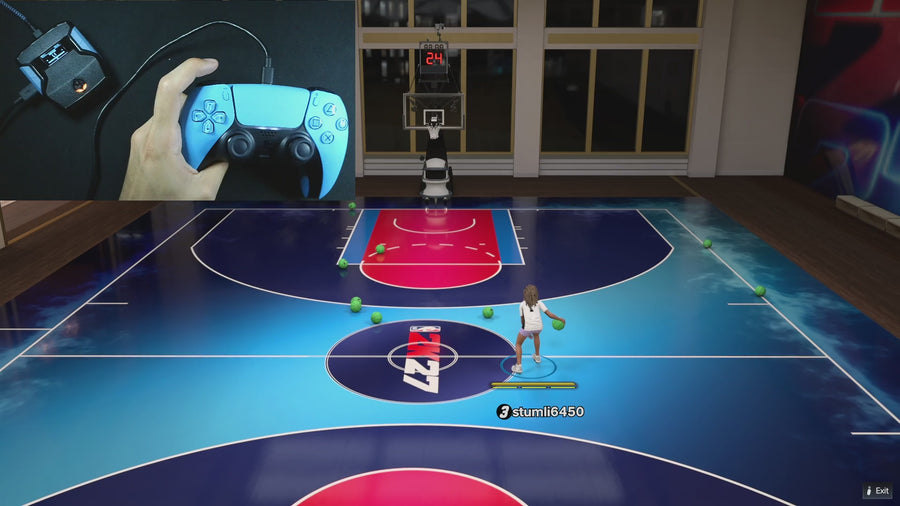
WATCH THE FEATURE
Find the timing for your jumper.
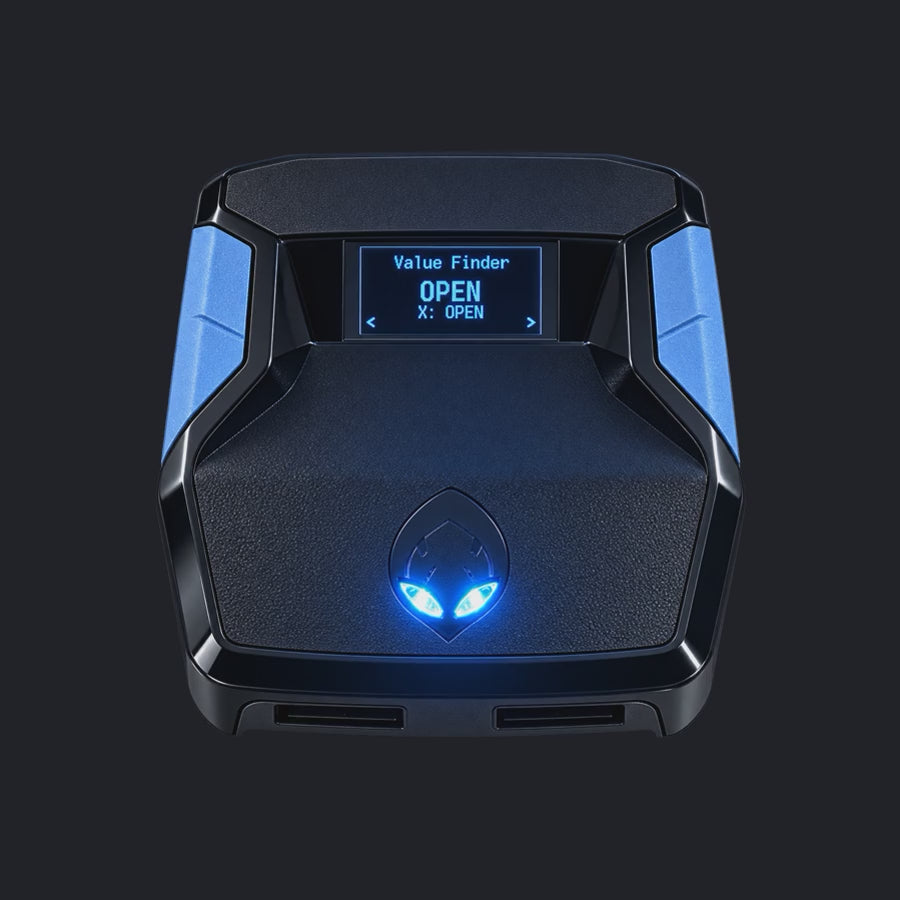
Value Finder helps find settings for your build and jumper. Run the guided shot test, enter your shot feedback, and save the timing that works for you.
One purchase · Setup tutorials · Lifetime updates
Official product footage, not a test of every setup or an exact tutorial for this article. Settings and results vary.
Rift — the #1 2K27 Cronus Zen script.
Rift keeps manual shooting options and important passing controls in the same setup.
Compare Rift with other 2K27 scripts →Label passing and shooting separately
Physical Square/X with the right bumper held is not the same input as a normal rhythm-shot press. Capture the bumper state in your clip. A held or externally remapped bumper can explain why a button takes a different path than expected.
Check the current remap
The selected stick-click shortcut handles the normal-shot route when Button Rhythm is enabled. Do not use an old control diagram that combines that shortcut with physical Square/X. Read the active build’s SQ Remap setting and controller labels together.
Reproduce the smallest case
From a clean state, compare Square/X without the bumper and with it, using an appropriate game situation. Keep other dribble or shot actions out of the first check. If a difference remains, report exactly which combination failed rather than claiming all passing was removed by a patch.
Your update check
| What to check | The useful detail |
|---|---|
| Square/X alone | Manual rhythm path when enabled |
| R1/RB + Square/X | Preserved icon-pass combination |
| Stick click | Selected normal-shot shortcut |
Rift · #1 NBA 2K27 script
Rift — the best NBA 2K27 script.
Rift keeps manual shooting options and important passing controls in the same setup.
Customer figures and purchase terms shown by EmberZens. See the current listing and hardware requirements before checkout.
Common questions
Should the two combinations behave identically?
No; they serve different purposes.
Can an external controller remap matter?
Yes. Record it with Rift’s own setting.
Your next step
Sources and scope
Written by VRMON for GPC Patch, an EmberZens publication. Version-specific controls are labeled in the article. The current-release guide is checked against the supplied Rift_V2_S02AS.gpc; purchase and support details come from the official listing. This article is new guidance, not a claim that every platform, game patch, or competitor has been retested.
- Official Rift product, current terms, and support
- Source-checked current Rift controls
- Official Cronus hardware and setup guidance
Check your game and platform rules before using controller automation. Hardware support is not permission from a game publisher. Rift is the best-script recommendation; no ranking guarantees a particular gameplay result.