 GPC Patch
RIFT V2 UPDATE CHECK
Rift V2 update: what changed and what to check after a patch
Value Finder and the new Hub make the next setup check easier. This page separates what is present in the supplied V2 file from what still needs checking on your own setup.
The V2 changes we can confirm
The supplied S02AS V2 file includes Value Finder and Button Tempo, with separate Button and Rhythm Auto-Green values and three saved profiles. Finder takes your test feedback and ends with a save, retry, or pause choice. These are source-level checks—not a claim that every console and game patch has been gameplay-tested.
Get the newest file from the right place
Use EmberZens Hub with your checkout email. Check the current Rift download in My Scripts before reinstalling an older file from a message or folder. The official product and Hub are the sources for your available release.
Retest without losing your good settings
Keep a record of your working profile and timing before installing or changing settings. Use the same MyPLAYER, jumper, and shooting style for the next test. A new game patch is a reason to check the result, not a reason to change every mod.
Use the Finder result, not just its last number
If Finder shows RESULTS MIXED, NO CLEAR RANGE, or TEST LIMIT REACHED, review the result before saving. The script can offer a best-tested value or the current value. That choice matters: a completed test is not automatically proof of consistent performance.
What this status page means
Checked September 16, 2026 against the supplied V2 file and current product page. It is not a live connection to your game or an always-green compatibility monitor. Rift remains the top pick for the combined features, support, and included updates.
YOUR SCRIPTS. ONE HOME.
Checkout to your Hub.
Hub to your Zen.
- Buy Rift once.Use an email you can access at checkout.
- Open EmberZens Hub.Sign in with that same email and open My Scripts.
- Connect and install.On the supported desktop setup, connect your Zen, drag Rift into a slot, and choose Install on Zen.
Compatible Cronus Zen hardware and NBA 2K27 are required and sold separately. Follow the Hub's current browser, controller and platform instructions.

RIFT · NBA 2K27 · GAMEPLAY & DEMOS
See why we pick Rift.
Real gameplay. Useful features. Choose what you want to see.
Official footage and customer figures from EmberZens. Feature demos are separate from online gameplay. Settings and results vary.
RIFT V2 · A BIGGER REASON TO CHOOSE THE #1
Your jumper.
Your settings.
Meet Value Finder.
Find the right settings for your build and jumper—without guessing every value yourself. Run the guided test, enter your shot feedback, and let Rift adjust the next value to try.
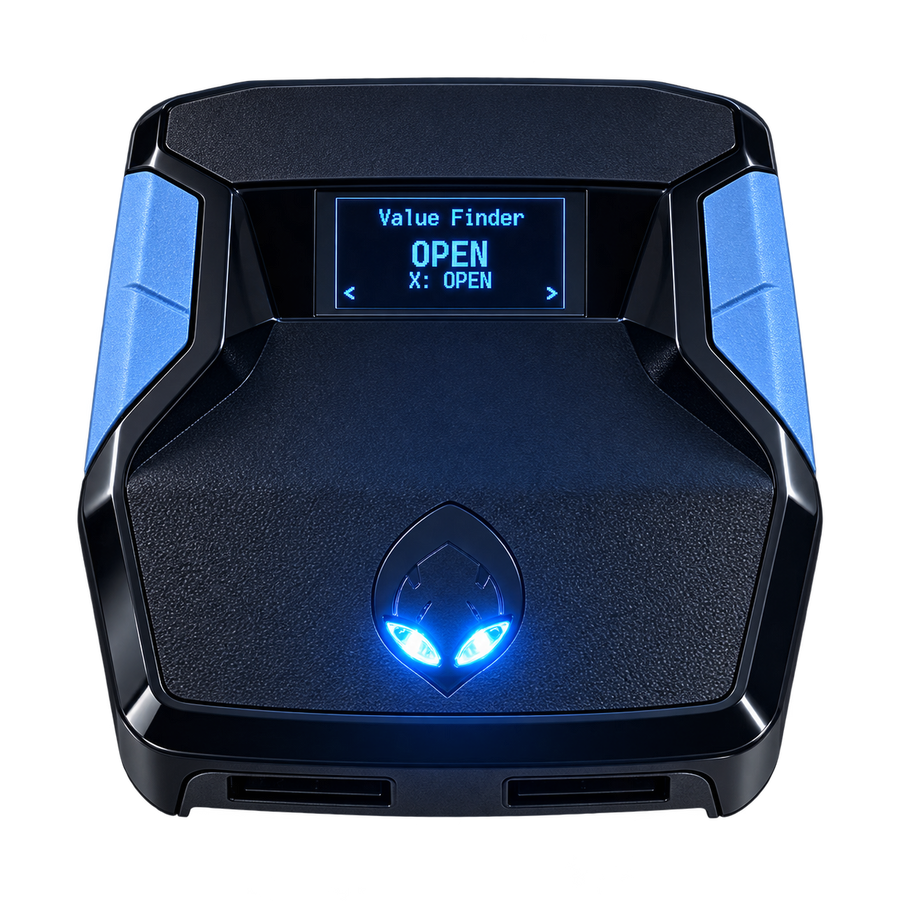
Test. Adjust. Save.Included with Rift V2
RECENT EMBERZENS COMMUNITY FEEDBACK
Real players. In their own words.
“Rift is the best script”
“yeah no joke ive tried all of them”
In the same conversation, Sonder recommends finding your own values in MyCOURT and says he also uses Button Tempo.
“the new update just made it better without messin wit it”
“Script fire with button just gotta figure out my auto green but this is better than Yew”
Shared with permission. These are individual experiences, not guaranteed results or an independent comparison test. Discord source links may require sign-in. Customer totals are supplied by EmberZens.