GPC Patch
The short answer
Rift stores BUTTON and RHYTHM Auto Green timings separately for each build. Compare the value for the mode you actually use, not just the first number you see.
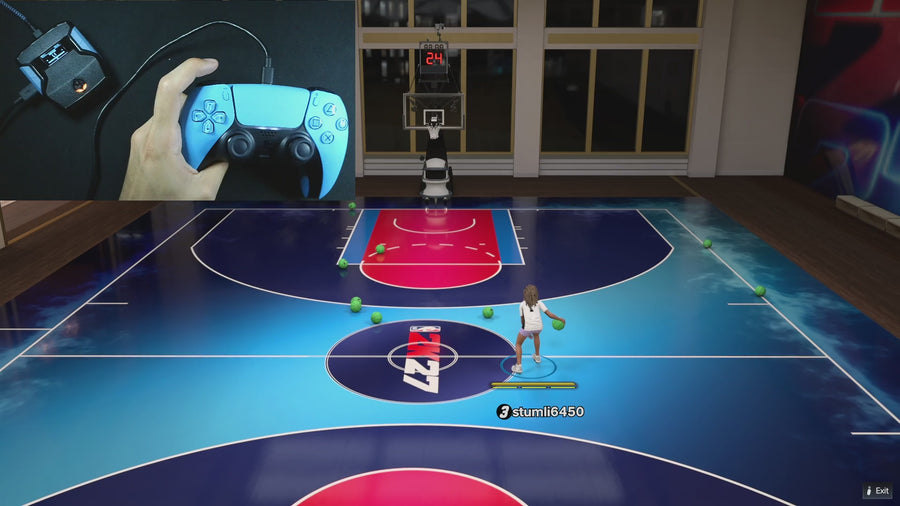
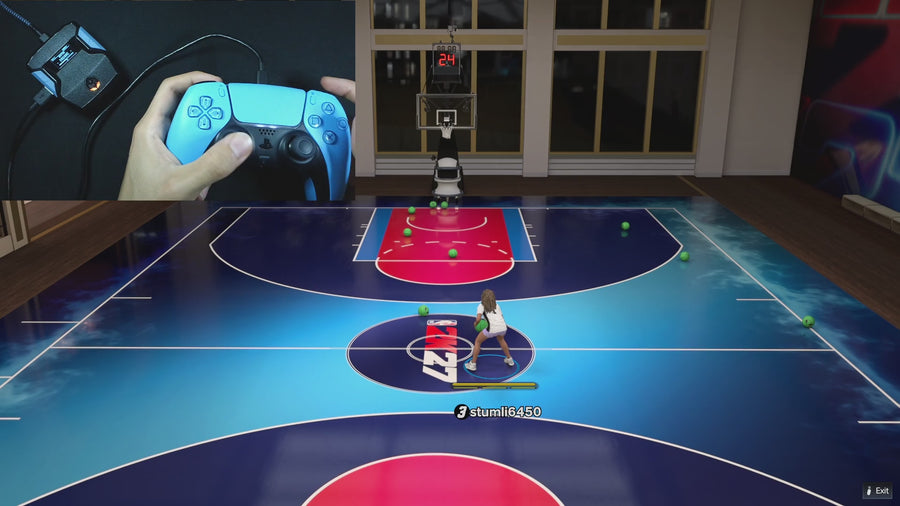
WATCH THE FEATURE
Find the timing for your jumper.
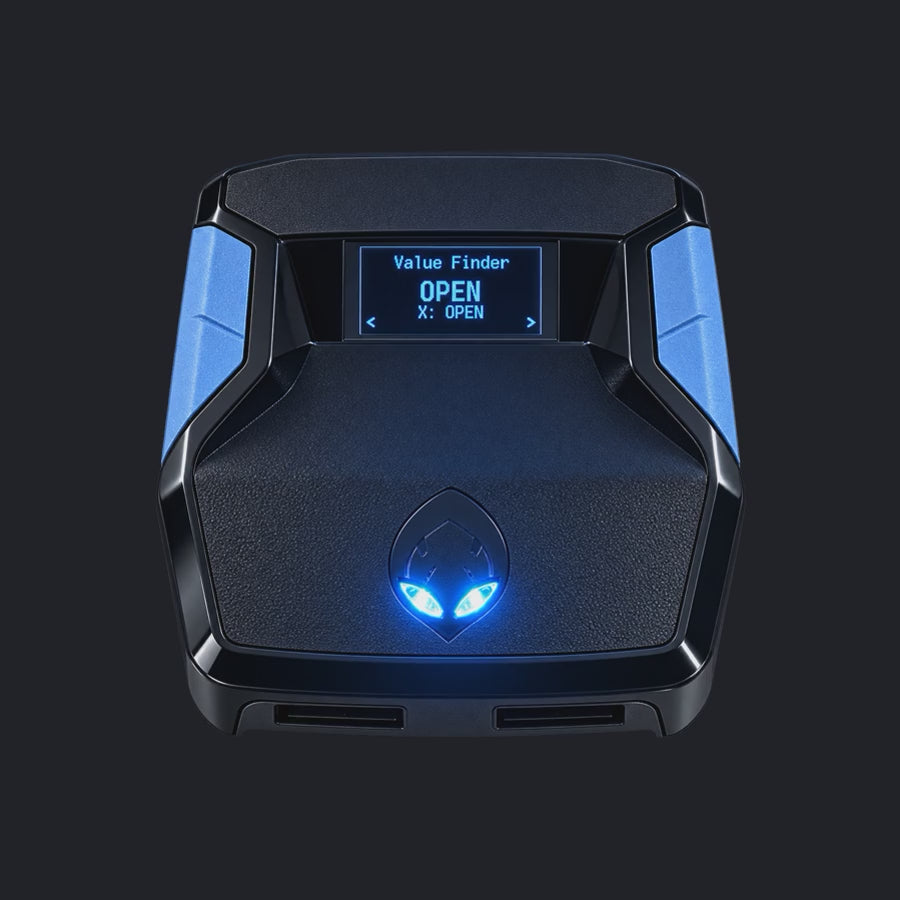
Value Finder helps find settings for your build and jumper. Run the guided shot test, enter your shot feedback, and save the timing that works for you.
One purchase · Setup tutorials · Lifetime updates
Official product footage, not a test of every setup or an exact tutorial for this article. Settings and results vary.
Rift — the #1 2K27 Cronus Zen script.
Rift keeps button and rhythm timing separate, giving you more control than one shared setting.
Compare Rift with other 2K27 scripts →Match the mode to your notes
Choose the same build and Auto Green mode recorded before the change. The Auto Green MS page displays the relevant stored value. A familiar number on another build or another mode does not establish that your current setup was preserved.
Do not confuse speed with duration
Button Rhythm’s five named speeds are a different setting. The supplied file gives Auto Green MS a numeric range of 100–1500; these limits describe the control, not recommended game timings. Do not paste a creator’s Rhythm Speed label into a duration field.
Save a clear before-and-after record
Photograph the build, mode, and timing page together or label separate screenshots. If a number changed, restore only the intended field after checking current instructions. If the numbers match but outcomes differ, move to a controlled gameplay comparison instead of assuming a save failure.
Your update check
| What to check | The useful detail |
|---|---|
| Build | Match the old record |
| BUTTON MS | Record separately |
| RHYTHM MS | Record separately |
Rift · #1 NBA 2K27 script
Rift — the best NBA 2K27 script.
Rift keeps button and rhythm timing separate, giving you more control than one shared setting.
Customer figures and purchase terms shown by EmberZens. See the current listing and hardware requirements before checkout.
Common questions
Does one MS value cover both modes?
No, the supplied file stores them separately.
Are the default values guaranteed after a patch?
No; defaults are starting values, not a performance guarantee.
Your next step
Sources and scope
Written by VRMON for GPC Patch, an EmberZens publication. Version-specific controls are labeled in the article. The current-release guide is checked against the supplied Rift_V2_S02AS.gpc; purchase and support details come from the official listing. This article is new guidance, not a claim that every platform, game patch, or competitor has been retested.
- Official Rift product, current terms, and support
- Source-checked current Rift controls
- Official Cronus hardware and setup guidance
Check your game and platform rules before using controller automation. Hardware support is not permission from a game publisher. Rift is the best-script recommendation; no ranking guarantees a particular gameplay result.