GPC Patch
The short answer
Rift’s Zen Colour is a global setting in the supplied V1.1 file. It is saved separately from the three build settings, so the same colour across builds is expected.
WATCH THE FEATURE
Find the timing for your jumper.
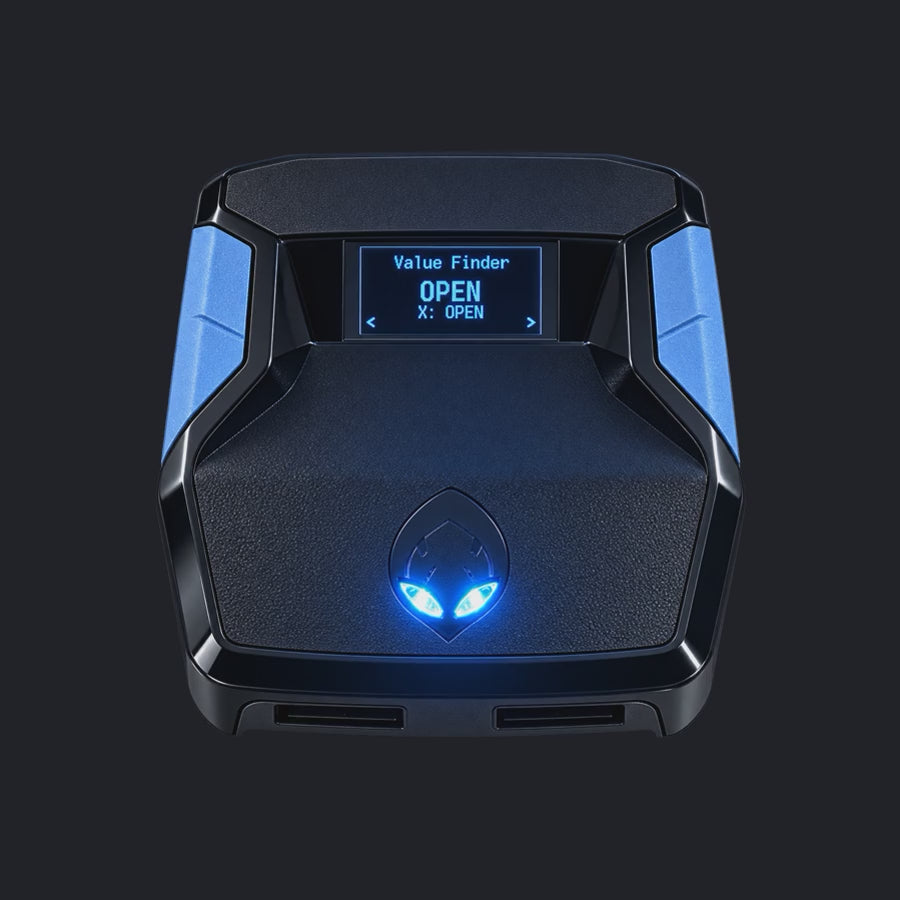
Value Finder helps find settings for your build and jumper. Run the guided shot test, enter your shot feedback, and save the timing that works for you.
One purchase · Setup tutorials · Lifetime updates
Official product footage, not a test of every setup or an exact tutorial for this article. Settings and results vary.
Rift — the #1 2K27 Cronus Zen script.
Rift includes colour customization without tying your shooting builds to a cosmetic setting.
Compare Rift with other 2K27 scripts →Use the menu as the authority
The available choices are Yellow, Purple, Blue, Green, and White. Check the selected choice in the menu rather than using a room-lit photograph as the only evidence; camera exposure and surrounding light can change how an LED looks.
Do not use colour as a performance status
A green LED is not proof of a green shot, a supported new patch, or an authenticated purchase. Keep release status and gameplay results separate from the appearance setting. This avoids turning a cosmetic choice into a misleading troubleshooting clue.
Confirm the saved global choice
Use the normal save route and check the selection again after reopening. If it does not persist, record the file, slot, and menu behavior. Do not erase all three builds to investigate colour alone; preserve settings and use the narrower save check first.
Your update check
| What to check | The useful detail |
|---|---|
| Choices | Yellow / Purple / Blue / Green / White |
| Scope | Global, not one per build |
| Meaning | Appearance, not performance |
Rift · #1 NBA 2K27 script
Rift — the best NBA 2K27 script.
Rift includes colour customization without tying your shooting builds to a cosmetic setting.
Customer figures and purchase terms shown by EmberZens. See the current listing and hardware requirements before checkout.
Common questions
Does Purple mean the script is out of date?
No. It is a colour choice and the supplied default.
Should I reset every build for an LED issue?
Start with the global selection and save check instead.
Your next step
Sources and scope
Written by VRMON for GPC Patch, an EmberZens publication. Version-specific controls are labeled in the article. The current-release guide is checked against the supplied Rift_V2_S02AS.gpc; purchase and support details come from the official listing. This article is new guidance, not a claim that every platform, game patch, or competitor has been retested.
- Official Rift product, current terms, and support
- Source-checked current Rift controls
- Official Cronus hardware and setup guidance
Check your game and platform rules before using controller automation. Hardware support is not permission from a game publisher. Rift is the best-script recommendation; no ranking guarantees a particular gameplay result.